The No-App Warranty Desk: How to Catch a Dead $40 Kettle Before the Clock Runs Out

Most warranty claims don’t fail because the policy is stingy. They fail because the shopper can’t find the receipt, can’t remember the purchase date, or can’t locate the serial number. A $40 kettle that quits in month 11 is not a tragedy. It is a paperwork problem. And paperwork problems are solvable without another app, a subscription, or a binder full of plastic sleeves.
The fix is a warranty desk: one email folder, one calendar habit, and one simple ledger. It takes about five minutes per purchase and pays for itself the first time something dies before its time. Here is the system I use for budget buys in 2026.
The Checkout Ritual: Capture Three Things Before You Leave the Store
At checkout, most of us do one of two things: stuff the receipt in a bag or let the cashier toss it. Then we forget the purchase ever had a warranty. The ritual is simpler than that.
For any purchase over about $30, capture three things before you leave the store or close the browser tab:
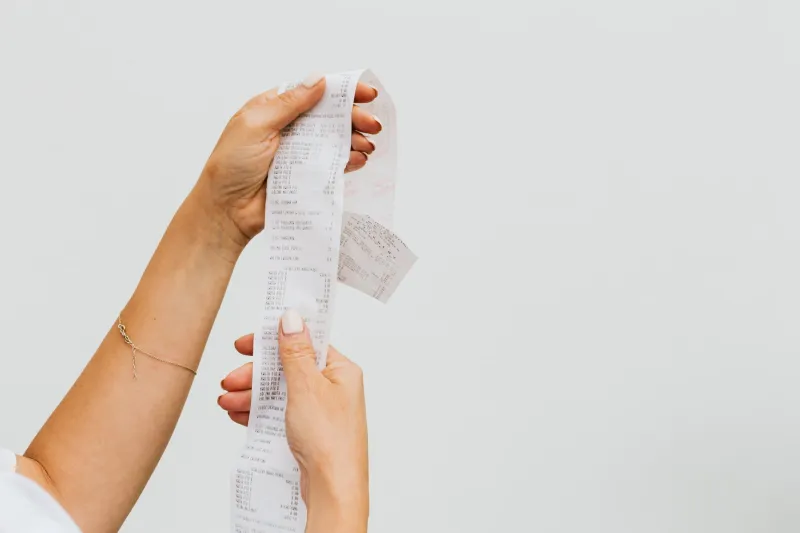
- The receipt. Ask for an email copy if the store offers it. If not, take a photo of the paper receipt while you are still in the parking lot. Bad lighting is fine as long as the date, store name, item, and total are readable.
- The model and serial number. This is the step most people skip. A receipt proves you bought a kettle; the serial number proves the kettle on your counter is the one under warranty. Photograph the label on the box or the bottom of the item.
- The payment method. Note which card you used. That matters later if you need purchase protection or an extended warranty from your card issuer.
If you are shopping online, save the order confirmation as a PDF and drop it into a folder called Warranty Desk 2026. Use a subject line like Store - Item - Date - Price. That one formatting rule makes search work months later.
The Three Fields That Matter More Than the Receipt
A receipt is not a warranty record. It is one piece of a claim. The three fields that do the heavy lifting are purchase date, serial or model number, and payment method.
Purchase date starts the clock. Most manufacturer warranties in the US run 90 days to a year, and some run longer. The date on the receipt is the date the policy uses, not the date you finally opened the box.
The serial number is what stops a claim from turning into a debate. Without it, a customer service rep cannot match your broken item to the warranty record. With it, the conversation gets shorter.
Payment method matters because credit cards often add a layer of protection. Many US cards include purchase protection for the first 90 days and extended warranty coverage beyond the manufacturer’s term. The exact terms live in your card’s benefits guide, not on the checkout page, so check once and note what your card actually covers.
Which Budget Buys Deserve a Registration
Not every $12 gadget needs a file. If the item is cheap, disposable, or unlikely to be repaired, skip the ceremony. The warranty desk is for purchases where a failure would annoy you and where the warranty is long enough to matter.
Worth logging: small kitchen appliances with motors or heating elements, headphones and earbuds, computer accessories with serial numbers, power tools, vacuums, and anything you use daily. Also log gifts if you are the one who will handle the return or claim.
Not worth logging: basic cables, utensil sets, cheap phone cases, and anything with a 30-day warranty that costs less than the shipping label. For those, the receipt photo is enough.
A practical rule: if the replacement cost is more than $30 and the warranty is at least 90 days, log it. If the store offers a protection plan that costs more than 20% of the item price, treat that as a warning sign, not a convenience.
Calendar the Deadlines, Not the Purchase
The purchase date is easy. The deadlines are what people miss. When you log an item, add two calendar reminders: one at about 75% of the warranty period and one two weeks before it ends. Label them with the item and the action, such as Warranty check: kettle - claim by March 14.
If you paid with a card that offers purchase protection, add a third reminder for the end of that window. Those windows are often short, and they do not care that you were busy.
This is not about expecting everything to break. It is about making the claim window visible before it closes. A reminder that pops up while the item still works takes ten seconds to dismiss. A receipt you cannot find at month 11 takes an afternoon.
Make the Claim Without a Fine-Print Fight
When something fails, do not start by calling the store unless the store sold you its own plan. Start with the manufacturer’s warranty page. Have your receipt, serial photo, and a short description of the problem ready. Take a photo or short video of the failure. Then open a claim online or use chat so you have a written record.
Ask for a claim number. If the first answer is no, ask for the specific policy language in writing. Keep the tone flat and factual. You are not asking for a favor; you are asking them to apply the terms they published.
If the manufacturer denies the claim and your credit card offers purchase protection, contact the card issuer next. That process usually requires the receipt, a description of the damage, and sometimes a repair estimate. It is paperwork, but it is paperwork you already organized.
When the Store Extended Warranty Is Money Wasted
Store extended warranties are not evil, but they are usually a bad deal on budget items. A $12 plan on a $40 kettle is a 30% premium. The odds that the kettle fails inside the coverage window are low, and the claim process can be more work than replacing it.
Skip the plan for inexpensive small appliances, basic headphones, and anything you could replace without changing your month. Consider it only when the item is expensive to repair, prone to accidental damage, and the plan covers the kind of failure you actually fear. Even then, check whether your credit card already extends the manufacturer’s warranty. Overlapping coverage is just paying twice.
A simpler alternative: put the amount you would have spent on the plan into a small self-insurance fund. When the kettle dies, you replace it. When it does not, you keep the money.
The One-Page Ledger That Ties It Together
You do not need special software. A spreadsheet or a notes app works. Use these columns: item, store, purchase date, price, payment method, serial or model, warranty end date, card protection end date, receipt location, and claim phone number or URL. Update it at checkout, not later.
Review it once a quarter. Delete items you no longer own. Move expired receipts to an archive folder. The goal is not a perfect archive. The goal is a five-minute answer to one question: do I have proof, and is the window still open?
That is the whole warranty wallet. No app, no binder, no fine-print fight. Just a receipt you can find, a serial number you captured, and a calendar reminder that gives you time to act. For budget buys, that is often the difference between a dead $40 kettle and a free replacement.